A DStv Smart LNB is the receiver arm on your satellite dish that lets several decoders run off one dish without a separate switch, and it is the LNB MultiChoice recommends for every Explora in a house with its own dish. If you are upgrading to an Explora, adding a second decoder, or wondering why an installer wants to swap the unit on your dish, this guide explains what the Smart LNB does, which models exist, and when you genuinely need one.
- The Smart LNB does the job of an LNB and a DStv Switch in one unit, sending signals for several decoders down single cables.
- MultiChoice recommends it, with an 80cm dish, for every Explora model, including the Explora Ultra, in a house with its own dish.
- It is not meant for complexes and apartments that share a dish. Those need a different distribution setup.
- A single HD decoder does not need one. A single LNB is the standard install, but a Smart LNB saves a swap later if you add XtraView.
- Unused UniCable ports must be capped with a 75 ohm terminator, or the signal suffers.
What an LNB Does, and What Makes the Smart LNB Different
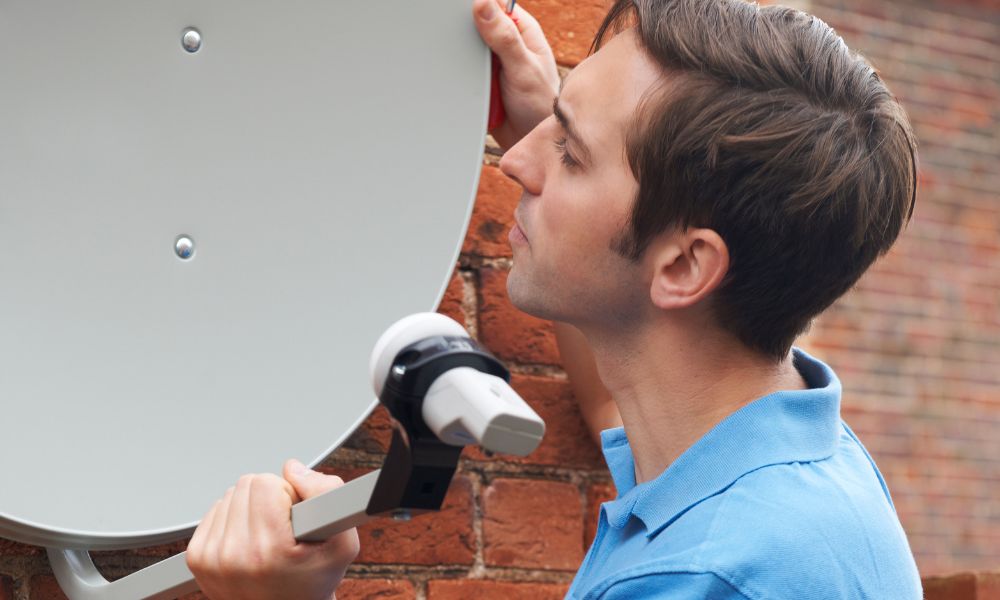
Every DStv satellite installation uses an LNB, short for low-noise block down converter. It is the part mounted on the arm in front of the dish. The dish reflects the satellite signal onto it, and the LNB converts that signal into something your decoder can understand, then sends it down the coaxial cable into your house.
There are several kinds. A single LNB feeds one decoder. Twin and quad LNBs have more outputs, and traditionally fed a multiswitch or a DStv Switch that shared the signal between several decoders. A UniCable LNB takes a different approach: it divides the signal into separate user bands and sends several of them down one cable, so each tuner picks up its own slot.
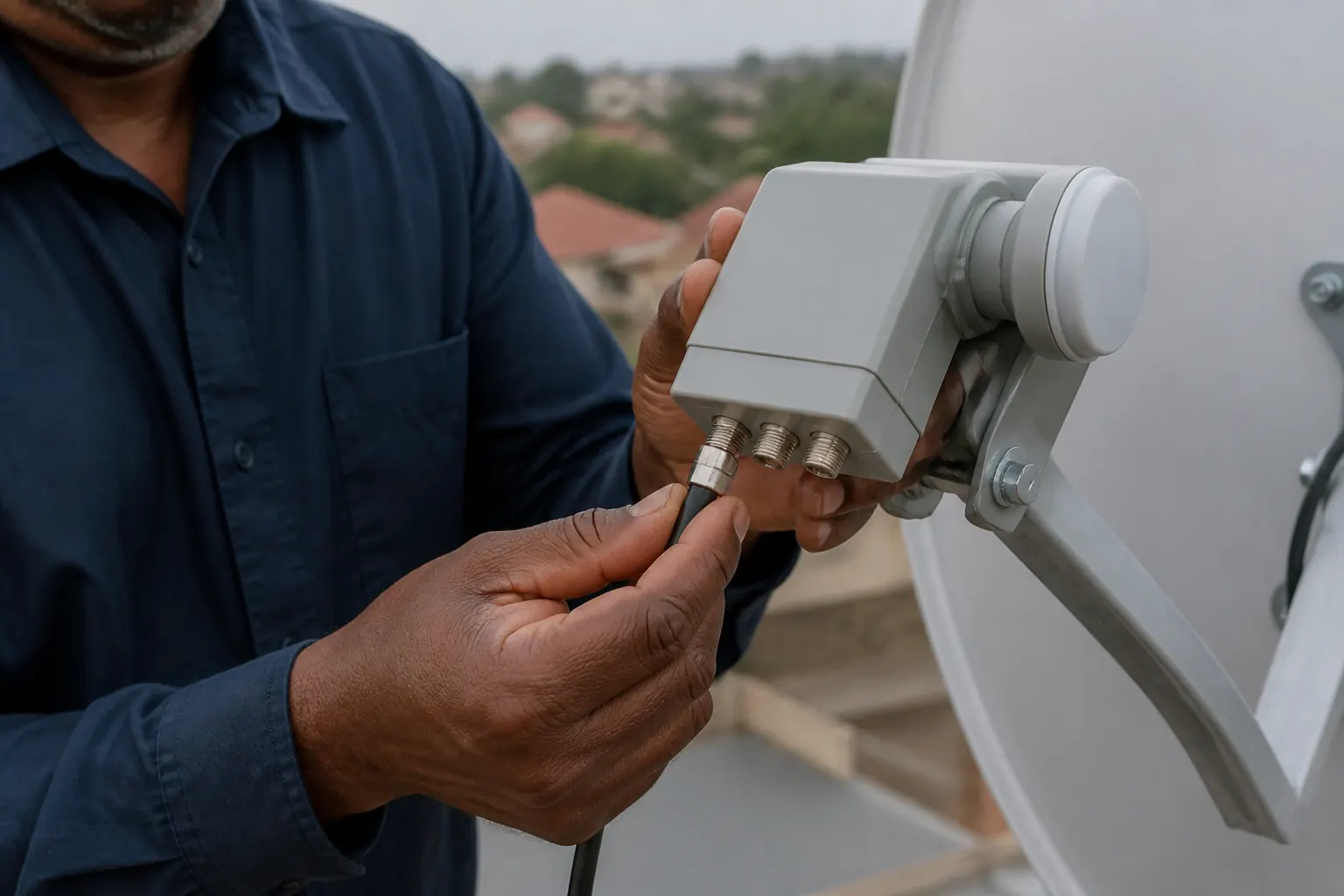
The DStv Smart LNB is a UniCable LNB built for DStv. In MultiChoice's words, it "combines the features of a DStv Switch into a single UniCable LNB and offers a single cable solution for distribution of multiple satellite signals". In practice, that means the switch box that used to sit in a cupboard next to the decoders is no longer needed. The cable runs straight from the LNB to each decoder.
Smart LNB Models and Their Ports
There has been more than one Smart LNB, and the difference matters when you count how many decoders you want to run. MultiChoice launched the original LMX500 and announced the LMX501 as its replacement from May 2016. The DStv online store also lists a two-port LMX502i.
| Model | UniCable outputs | Universal outputs | User bands |
|---|---|---|---|
| LMX500 (original, replaced from 2016) | 4 | 2 | 24 |
| LMX501 | 3 | 1 | 30 |
| LMX502i | 2 | 0 | Not listed by DStv |
The UniCable outputs are the ones that feed Explora and other UniCable-capable decoders over a single cable each. The universal output behaves like an ordinary LNB output, for older decoders. When we checked the DStv store on 4 October 2026, it listed the LMX501 at R449 and the LMX502i at R299. Prices elsewhere vary by retailer, and they change, so treat those as a guide rather than a quote.
Which Decoders Need a Smart LNB
MultiChoice's guidance is clear for the Explora range. The recommended installation for every Explora model, including the Explora 3B and the Explora Ultra, is an 80cm dish with a DStv Smart LNB, in a house where you have your own dish. If you already have an Explora installed properly, moving to an Explora Ultra needs no changes to the dish: DStv says you can unplug the older Explora and plug in the Ultra, using the HDMI cable and power supply that come with it.
A single HD decoder is different. DStv's recommended installation for a single view HD decoder is a single LNB and an 80cm dish, though it will also work with a twin, quad, UniCable or Smart LNB. Choosing a Smart LNB for a single HD decoder costs extra, but it has one real advantage: if you later link a second decoder in XtraView, you do not have to change the LNB. If an HD decoder is linked to another one in XtraView, DStv recommends the Smart LNB.
Every DStv decoder can be installed with a Smart LNB, but MultiChoice notes that some XtraView combinations may still need multiswitches with a quad LNB. That is a question for whoever does the install, because it depends on exactly which decoders you are pairing. If you are planning XtraView or an extra TV point, our DStv Extra View installation page explains how we set those up.
When a Smart LNB Is the Wrong Choice
The Smart LNB is designed for a single home with its own dish. MultiChoice states that it is not suitable for Multiple Unit Dwellings, meaning complexes and apartment blocks, and the DStv store adds commercial and retail environments to that list. In a complex where many units share one dish, the signal is distributed through a building system, and fitting a Smart LNB to the shared dish is not the answer.
If you live in a complex and want an Explora, start by finding out how the building's DStv is distributed. MultiChoice's own advice for anyone in a complex, sharing a dish, running XtraView or connecting one decoder to several TVs is to speak to an installer for advice and a quote.
Very old decoders limit what an upgrade can achieve. MultiChoice notes that the older Dual View decoder and the SD PVR cannot receive high-band transmissions even when installed with a Smart LNB, so replacing the LNB alone will not bring those decoders up to date.
Installing a Smart LNB: What Gets Done
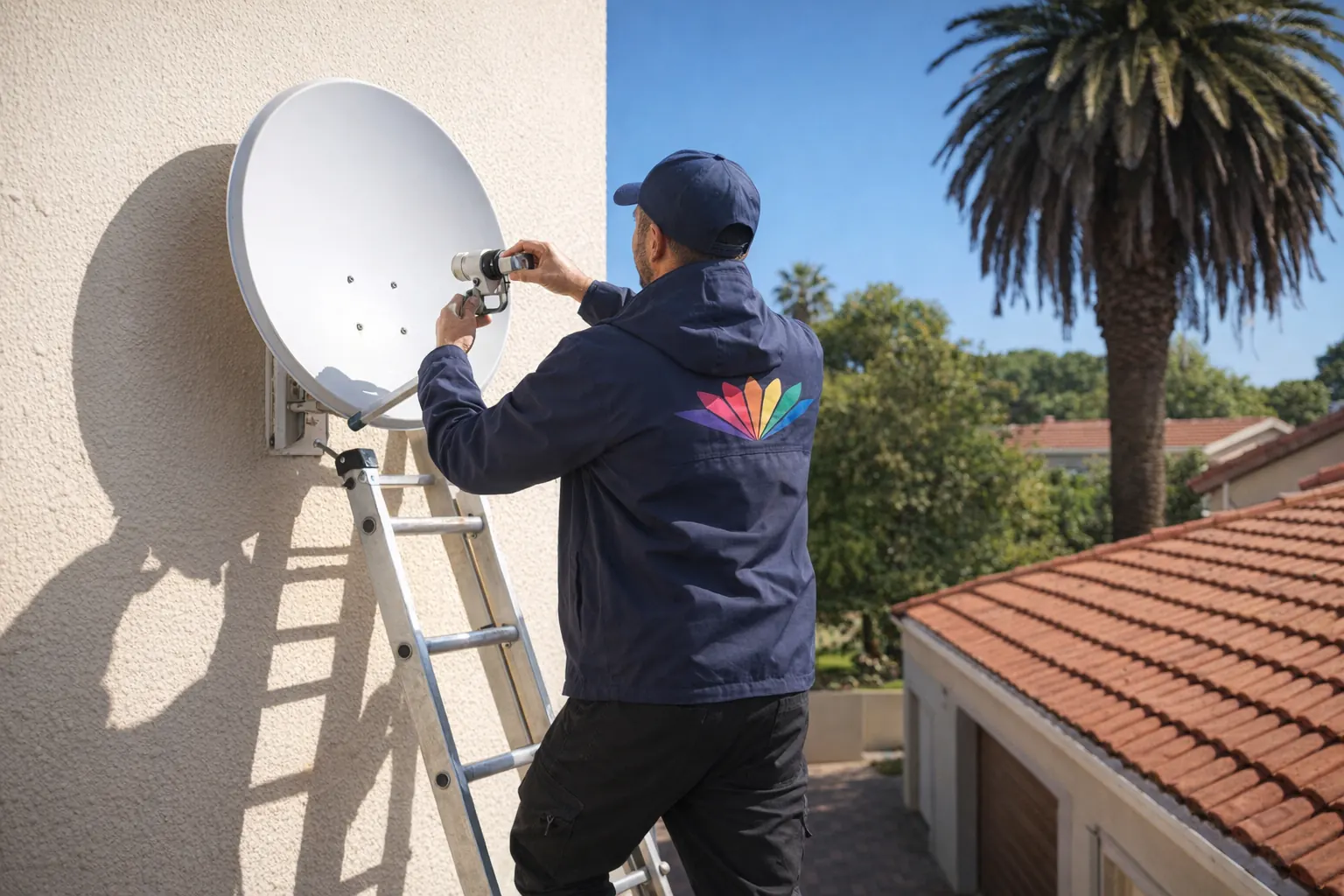
On a typical Explora installation, the Smart LNB goes onto the dish arm, a separate coaxial cable runs from a UniCable output to each decoder, and the dish is aligned and peaked for the strongest signal. The decoder is then set up for a Smart LNB during installation, so it knows how to pick its signals off the shared cable. Our guide to connecting Explora LNB cables shows how the cabling lands at the back of the decoder.
Two details catch people out. First, termination: only the unused UniCable ports need capping, using the supplied 75 ohm terminators, to prevent signal degradation. MultiChoice says three of these caps are packaged with the Smart LNB, and the universal ports do not need termination. Second, the decoders no longer have to sit next to each other. Because each one gets its own cable from the LNB, a decoder can go in another room, which also makes a direct HDMI connection to each TV much simpler.
If your signal drops after an LNB change, or you see E48-32 on screen, work through our E48-32 no-signal guide before assuming the new LNB is faulty. In our experience, most problems after a swap come down to a connector or the alignment, not the LNB itself.
What It Costs to Have a Smart LNB Fitted
The cost has two parts: the LNB and the labour. On a sound dish, a Smart LNB swap is a call-out, from R550 on our side, plus the LNB itself. If the dish also needs re-aiming, a realignment is R450 to R800. These are our own indicative prices, not MultiChoice's. A full Explora installation with a new dish and cabling costs more, because it includes the dish, the cable runs and setting up the decoder.
The swap is worth doing when you are moving to an Explora, adding a decoder in XtraView, or replacing an old twin or quad LNB and DStv Switch combination that keeps giving trouble. It is not worth doing just because it is newer, on a single HD decoder that works perfectly on a single LNB. We fit Smart LNBs as part of our satellite dish installation work across the country, and we cover homes across Gauteng, including DStv installation in Centurion.
FAQ
What is the difference between a smart LNB and a regular LNB?
A regular LNB sends one signal per output, so several decoders need a separate switch. A Smart LNB is a UniCable LNB with the DStv Switch built in, so several decoders can each run off their own single cable without a separate switch box.
What type of LNB is needed for DStv?
It depends on the decoder. MultiChoice recommends a DStv Smart LNB with an 80cm dish for every Explora model. For a single HD decoder, the recommended installation is a single LNB with an 80cm dish, with a Smart LNB recommended once two decoders are linked in XtraView.
Can I use any LNB on my dish?
Not always. It depends on your decoders. MultiChoice says its Smart LNB has been tested locally with its decoders and other approved equipment, and it recommends one for every Explora. A single HD decoder will also work with single, twin, quad or UniCable LNBs.
How do I know if my LNB is not working?
The usual sign is a no-signal error such as E48-32 on every decoder at once, for example after a storm. Check the cable connectors first, because a loose or corroded connector causes the same symptom. If they are fine, an installer can test the LNB with a meter.
Further reading from DStv: What is a DStv Smart LNB? · Benefits of the Smart LNB · Terminating unused ports · Recommended Explora installation · Recommended HD decoder installation
Need Professional DSTV Installation?
Our accredited installers offer same-day service across South Africa.